10 Best AI Tools for Language Learning in 2026 (Free and Paid)
10 AI tools for language learning compared for 2026: lesson apps, AI conversation partners, translators and free English accent and pronunciation checks.
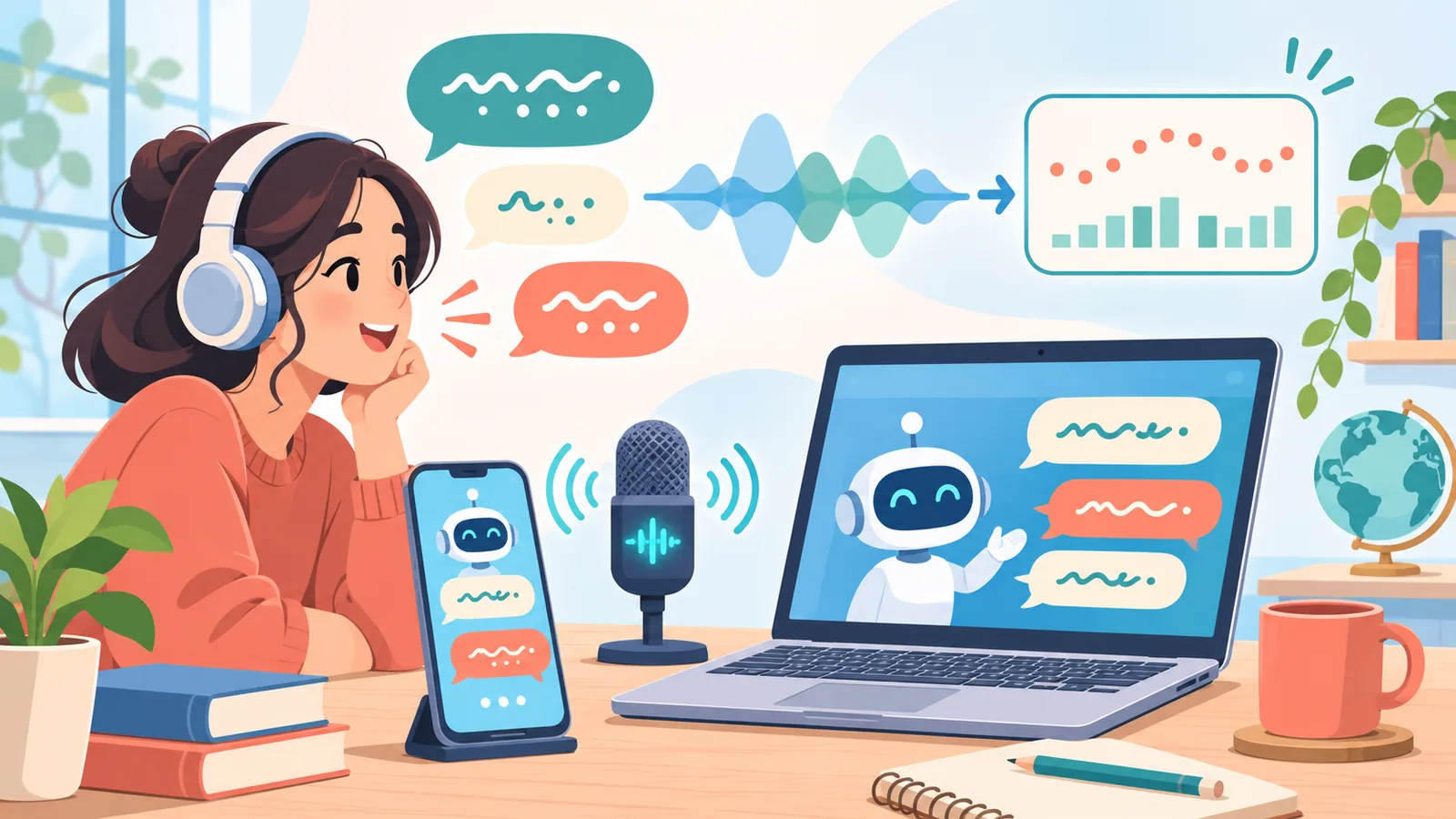
The AI tools for language learning in this guide each do one job; none covers a whole course. They suit self-taught learners, English students, people preparing for IELTS, TOEFL or PTE speaking, and teachers looking for practical recommendations.
No single app covers daily lessons, conversation, translation, and feedback on how you sound. A sensible setup might pair a lesson app with a conversation partner, a translator or writing helper, and free speaking checks. Four tools here are browser tools focused on English speaking; the other apps cover more languages and longer study paths.
Treat AI language learning feedback as a guide, not a verdict. Chatbots can explain rules incorrectly, and pronunciation notes can change with room noise or microphone quality. Conversation with people still matters: a model may understand you more generously than a stranger would.
Quick picks
- Daily habit: Duolingo, for short gamified lessons.
- Conversation, role-play, and corrections: ChatGPT, in voice or text.
- Guided speaking: Speak, for spoken lessons.
- English sound drills: ELSA Speak, for scores and repeat exercises.
- English accent benchmark: Accent Test, from a short read-aloud.
- “Was I understood?” check: VoiceTyping.org, by reading a sentence aloud.
- Closest-accent guess and accent quiz: Accent Guess.
- One target sound, with confidence scores: Accent Guesser.
- Fast meaning, camera, and two-way talk: Google Translate.
- Natural translation and rephrasing: DeepL.
How we chose these AI tools for language learning
We considered each tool’s main job, cost, and fit for an ordinary week. The practical question was whether you can finish one clear task and know what to repeat: a lesson, conversation, translation, or speaking check.
For the four English browser tools, we describe what you read, what comes back, and what the tools do not claim to teach. For apps, chatbots, and translators, we focus on their core jobs. Prices change, so check each tool’s site.
1. Accent Test
Accent Test is a free online accent test and pronunciation checker for English. Read a short daily passage aloud, and an AI speech model listens to your vowels, consonants, rhythm and intonation. The report shows your closest regional accent matches with confidence percentages, plus timestamped notes on specific sounds to practice. An 8-sentence quiz offers a fuller breakdown when one passage feels too thin.
There is no sign-up or subscription, and audio is processed transiently rather than stored or used for AI training. Learners preparing for IELTS, TOEFL, or PTE speaking can use it as a regular read-aloud benchmark.
Best for: English learners who want a repeatable accent and pronunciation benchmark.
Pros:
- Free, with no account or card; audio is not kept or used for training
- Timestamped notes on specific sounds, with practice tips
- A daily passage plus an 8-sentence quiz
Cons:
- English only, and each test is a read-aloud rather than a conversation
- Results depend on microphone and background noise
Pricing: Free, with a fair-use allowance for daily use. No subscription.
2. Duolingo
Duolingo is the AI language learning app many people open out of habit: short, gamified lessons across many languages, with AI-powered features in paid tiers. The free path helps build a routine, though a green tick is not a speaking score. Use it for vocabulary and simple patterns.
Best for: Beginners and busy learners who need a daily lesson they will finish.
Pros:
- Short sessions that are easy to repeat
- Many languages in one app
- A free path beside paid AI practice
Cons:
- Course language can stay simpler than real speech and writing
- Limited help with pronunciation assessment or full speaking-test practice
Pricing: Free tier and paid plans; check the site for current prices.
3. ChatGPT
ChatGPT is a general chatbot you can use as a conversation partner. In voice or text, you can role-play a shop visit or speaking-test small talk, then ask for corrections and a short grammar explanation.
It can make mistakes or “fix” a sentence that was already fine, so ask for two or three specific corrections and check important test advice with a teacher.
Best for: Learners who want role-plays, grammar explanations, and corrections on demand.
Pros:
- Many topics, levels, and role-plays in voice or text
- Follow-ups can explain the reason for a correction
- Easy to tailor to a test task
Cons:
- Confident errors are possible
- Long chats can avoid the challenge of producing harder speech
Pricing: Free tier and paid plans; check the site for current prices.
4. Speak
Speak is a speaking-practice app built around spoken conversation lessons with an AI language tutor. Unlike a general chatbot, it gives prompts to keep the exchange moving, so the session is focused on talking aloud.
That focus suits learners who freeze when they have to speak, but it is not a translator or an accent report.
Best for: Learners whose main gap is speaking and who want conversation-based lessons.
Pros:
- Practice is spoken
- Tutor-style prompts are easier to start than an empty chat
- Can pair with a separate pronunciation or accent check
Cons:
- Less suited to long written explanations
- Check the official site for current plan details
Pricing: Check the official site for current prices.
5. ELSA Speak
ELSA Speak is an English pronunciation app. You speak, it scores what it hears, and it provides exercises to drill sounds again. That repeatable loop can be easier to maintain than reading a report once. Treat the score as a training signal, not a test result.
Best for: English learners who want scored pronunciation drills they can repeat.
Pros:
- Focuses on English sounds rather than open-ended chat
- Exercises give you a next step after the score
- Fits alongside a lesson app and translator
Cons:
- English pronunciation is its scope, not other languages or grammar courses
- Scores can seem more exact than a phone microphone warrants
Pricing: Free tier and paid plans; check the site for current prices.
6. VoiceTyping.org
VoiceTyping.org is free browser voice typing: read a sentence aloud and see whether it is transcribed correctly. There is no sign-up, download, or paid tier. It offers 50+ language and accent options, depending on the browser’s speech recognition; Chrome and Edge work best. You can speak punctuation aloud.
A separate browser tool transcribes MP3, WAV, or M4A files with timestamps and TXT or SRT export. Voice typing can suggest whether a sentence was understood, but it does not grade pronunciation. Autocorrect may hide errors, so try minimal pairs such as ship/sheep and think/sink.
Best for: A quick intelligibility check in a language the browser recognizes, plus simple spoken notes.
Pros:
- Free, with no installation or account
- Many language and accent options, with voice punctuation
- In-browser file transcription with timestamps and TXT or SRT export
Cons:
- Browser-dependent, and most browsers need a connection
- Autocorrect can make unclear speech look correct
Pricing: Free. No paid tier.
7. Accent Guess
Accent Guess is a free AI accent guesser. Read a short daily passage to see which accent you sound closest to, along with pronunciation suggestions. It also has a separate guess-the-accent quiz.
It runs in the browser with nothing to install. It is a separate site from Accent Guesser, which returns a different kind of report.
Best for: English learners curious about their closest-sounding accent and a listening quiz.
Pros:
- Free in the browser, with a fresh passage each day
- Dialect mapping and pronunciation suggestions
- A separate guess-the-accent quiz
Cons:
- English only; not a vocabulary or grammar course
- Its similar name to Accent Guesser can cause confusion
Pricing: Free.
8. Accent Guesser
Accent Guesser is a free read-aloud accent guess that lists likely accents, confidence scores, and sounds to practice. Each daily passage focuses on one target sound, such as the vowel in “time” or the “th” in “think.” The report adds timestamped evidence you can replay and a “why not X” explanation.
It compares 18 regional English accents and English shaped by 14 first languages. Audio is not stored, and the tool says when it hears no clear speech. A sound library includes minimal pairs.
Best for: Learners who want a daily English read-aloud focused on one sound, with scores and replayable clips.
Pros:
- Free, with no account; audio is not stored
- Confidence scores, replayable evidence, and explanations
- A minimal-pair library and a clear “no clear speech” result
Cons:
- The guessing task is English only
- One read-aloud passage per day, not free conversation
Pricing: Free. No sign-up.
9. Google Translate
Google Translate is useful when you need the meaning now. It translates typed text, text in a camera image, and two-way conversation where each person speaks in turn. For practice, write your own sentence first and use it to recover a missing word.
Best for: Fast meaning, signs and photos, and a simple two-way exchange.
Pros:
- Text, camera, and conversation mode in one place
- Quick to use on the spot
- Free
Cons:
- Literal or awkward phrasing can slip into memorized lines
- Conversation mode can leave you listening while the phone speaks
Pricing: Free.
10. DeepL
DeepL is a translator known for natural-sounding sentences, with a writing assistant that rephrases text you have drafted. Treat a polished rewrite as a suggestion, then put it in your own words.
Best for: Learners who write in a second language and want more natural phrasing to edit.
Pros:
- Translations that often read naturally
- A writing assistant for rephrasing as well as meaning
- Useful for a script you plan to practice speaking
Cons:
- A polished rewrite can hide what you need to learn
- It does not listen to pronunciation
Pricing: Free tier and paid plans; check the site for current prices.
Comparison
| Tool | Main job | Scope | Cost |
|---|---|---|---|
| Accent Test | Accent matches and sound notes from a short read-aloud | English | Free |
| Duolingo | Gamified daily lessons, with AI features on paid tiers | Many languages | Free tier and paid plans |
| ChatGPT | Conversation, role-play, grammar help, and corrections | General, many languages | Free tier and paid plans |
| Speak | Spoken conversation lessons with a tutor-style prompt | Speaking practice | Check the official site |
| ELSA Speak | Scored English pronunciation and repeat exercises | English | Free tier and paid plans |
| VoiceTyping.org | Voice typing as an intelligibility check, plus file transcription | 50+ language and accent options, browser-dependent | Free |
| Accent Guess | Daily accent guess, suggestions, and a guess-the-accent quiz | English | Free |
| Accent Guesser | Target-sound passage, confidence scores, and replayable notes | English: 18 regional accents and 14 first-language influences | Free |
| Google Translate | Text, camera, and two-way conversation translation | Broad, quick translation | Free |
| DeepL | Natural translation and rephrasing help | Translation and writing | Free tier and paid plans |
How to choose AI tools for language learning
Start with the gap in your week. If you rarely practice, pick a daily lesson app. If you freeze when speaking, choose a conversation partner or speaking app. If you mainly need cleaner writing, a translator with a writing assistant helps more than another game.
There is no single best AI for language learning. Choose tools you will open even on a tired Thursday: a lesson habit, ChatGPT or Speak for conversation, Google Translate or DeepL for phrases, and one free English check if accent matters. Wait to pay until you already use the free version.
A 15-minute routine can help you see whether the setup fits:
- Spend about eight minutes on one short lesson.
- Spend about five minutes speaking with a chatbot or speaking app. Ask for two corrections, then say the lines again.
- Once a week, replace the conversation with a read-aloud. Use Accent Test or Accent Guesser for sound notes, and read a few sentences into VoiceTyping.org. Try minimal pairs if easy words transcribe correctly.
Keep one error to work on each week, and make time to talk with real people.
FAQ
Which free AI tools for language learning help with English speaking tests?
Use a lesson or conversation tool for fluency, and a read-aloud for sounds. Accent Test flags sounds to practice, VoiceTyping.org shows what a recognizer transcribes, and Accent Guess and Accent Guesser estimate which accent you sound closest to. None provides an official IELTS, TOEFL, or PTE result.
What is the best AI for language learning if I can keep only two?
Keep the tool you will open daily and one that fits your weakest skill. For many people, that means a lesson app plus a chatbot or speaking app. Add a free browser check only if English pronunciation or intelligibility is a real concern.
Can an AI language tutor replace a teacher or a language partner?
No. An AI language tutor can repeat a drill and is available at any hour, but it can invent rules, miss tone, and rarely makes you repair a real misunderstanding. Use it between classes and conversations with people.
Is an AI language learning app enough on its own?
An AI language learning app can help start a habit and review words. It may not prepare you for long turns or a listener who does not know what you meant. Pair it with speaking and, for English, an occasional intelligibility check.
How should I read accent scores and chatbot corrections?
Treat them as clues about what to practice next, not proof of how an examiner or colleague will rate you. Re-record in a quieter room if needed, and verify surprising grammar advice before memorizing it. The useful result is an error you stop making when someone is listening.
Conclusion
AI language learning works best as a small routine: daily practice, some speaking, a way to check meaning, and an occasional read-aloud if you are learning English. Use each report to choose what to practice next, and keep talking with people as part of the work.