How to Get a Free DR 90 Dofollow Backlink from n8n (Step-by-Step Guide)
A complete step-by-step tutorial on leveraging n8n's Creator Hub to build an API workflow, pass automated review, and secure a high-authority DR 90 dofollow backlink for free.
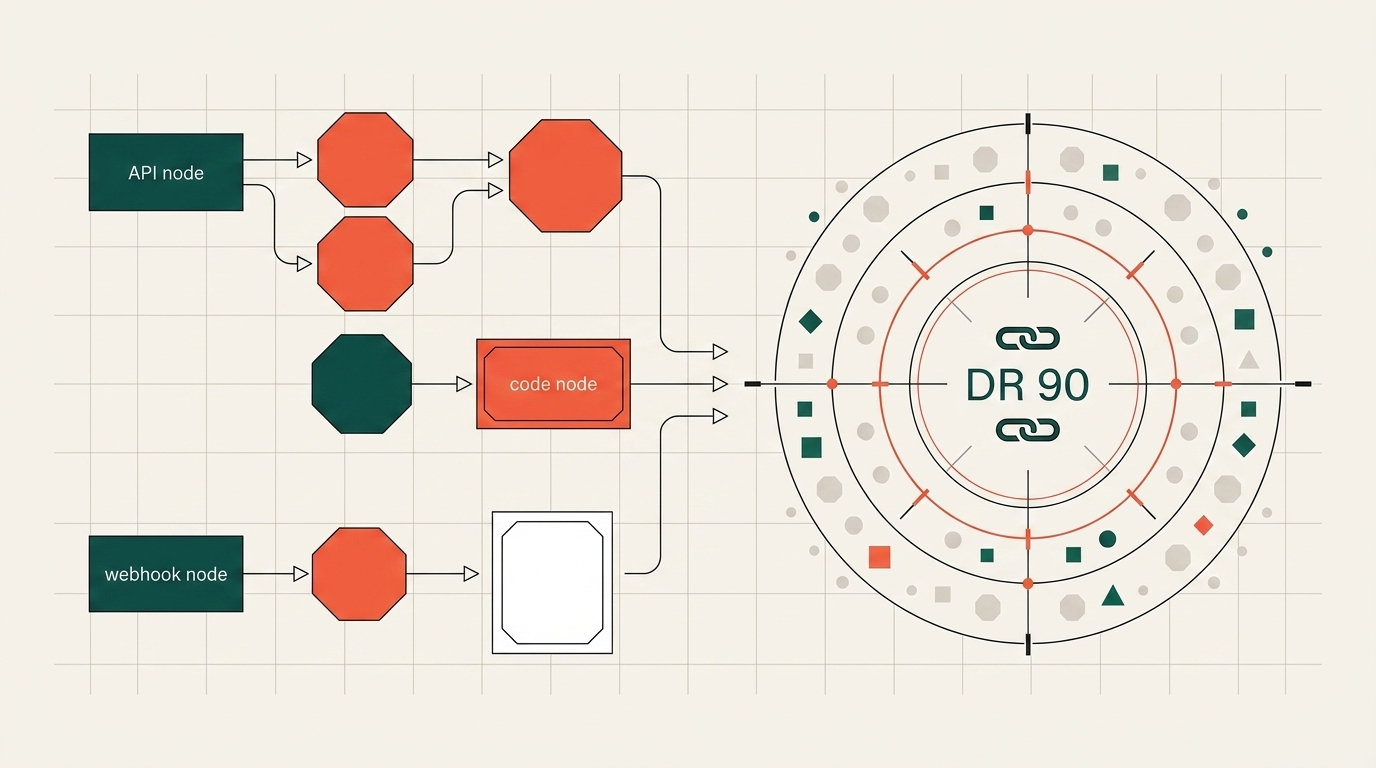
Acquiring authoritative, high-quality backlinks is often one of the most expensive and time-consuming bottlenecks for indie hackers and early-stage SaaS founders. Cold email outreach yields dismal conversion rates, guest posting requires weeks of editorial back-and-forth, and sponsored links can cost hundreds of dollars each.
However, there is a powerful, under-the-radar backlink channel hidden in plain sight: n8n's Community Creator Hub.
By submitting a simple, functional automation workflow template that integrates your product's API, you can earn a permanent, dofollow backlink from a DR 90 domain with over 5.8 million monthly visits—entirely for free.
In this guide, we will walk through the exact step-by-step blueprint to generate, submit, and get your n8n workflow published.
The Value Breakdown: Why n8n's Backlink is Gold
Search engines treat contextual backlinks from authoritative tech platforms as premier trust signals. Here is what makes the n8n creator backlink uniquely potent:
- Domain Rating (DR): 90+ (Ahrefs / Semrush equivalent)
- Monthly Organic Traffic: 5.87M+ visits
- Link Attribute: Dofollow (passes direct PageRank equity)
- Contextual Topical Authority: High relevance in AI, automation, SaaS, and developer tooling
- Cost: $0 (100% Free)
┌─────────────────────────┐       ┌─────────────────────────┐       ┌─────────────────────────┐
│ n8n Creator Hub Portal  │ ───▶  │ Automated AI Pre-Review │ ───▶  │ Editorial Human Review │
│ (Submit Workflow JSON)  │       │ (Syntax & Sticky Notes) │       │ (3–5 Business Days)     │
└─────────────────────────┘       └─────────────────────────┘       └─────────────────────────┘
                                                                                 │
                                                                                 ▼
                                                                    ┌─────────────────────────┐
                                                                    │ Live n8n.io/workflows/  │
                                                                    │ Permanent DR 90 Link    │
                                                                    └─────────────────────────┘
When approved, your workflow receives its own dedicated public URL on n8n.io (e.g., https://n8n.io/workflows/16892-extend-videos-with-audio-...), with your website linked directly in the introductory documentation section.
Step 1: Create an n8n Creator Account
- Navigate to the official n8n Creator Portal.
- Click Sign Up and register using your business or developer email.
- Check your inbox and click the email confirmation link to activate your creator account.
- Set up your author profile name and bio.
Step 2: Prepare Your API-Powered Workflow
The only prerequisite to submitting a workflow is that your website or product must provide an accessible HTTP endpoint or API.
Because n8n is an execution engine, your template must represent a working automation that solves a real problem. Integrating your own API endpoint provides a legitimate, functional reason for your domain link to appear inside the workflow documentation.
If your SaaS does not yet have an extensive public API, you can expose a lightweight read-only endpoint (e.g., search tools, fetch latest items, parse data, or return sample AI results).
The AI Shortcut: Generate the Complete Workflow JSON
You do not need to manually drag-and-drop nodes inside n8n or write JSON from scratch. You can prompt an LLM (such as Claude or ChatGPT) to construct a fully formatted, production-ready n8n workflow JSON.
Here is a tested prompt template you can adapt:
Act as an n8n workflow automation engineer. Generate a complete, valid n8n workflow JSON export.

Workflow Requirements:
1. Objective: [Describe workflow, e.g., "Fetch latest data from my SaaS API, transform the output with Code node, and post summary to a Discord/Slack webhook"].
2. Trigger: Schedule Trigger (runs daily) or Webhook Trigger.
3. HTTP Request Node: Include an HTTP Request node that calls my public API: https://api.yourdomain.com/v1/search (or query endpoint).
4. Sticky Notes: Add prominent Sticky Note nodes explaining step-by-step how users can configure the API parameters and authentication keys.
5. Description & Documentation: In the workflow header and sticky note, clearly include a markdown link to https://yourdomain.com for API documentation, key generation, and platform details.

Please output ONLY the raw, valid n8n workflow JSON without markdown code fences.
Copy the generated JSON and save it as a local file (e.g., my-saas-workflow.json).
Step 3: Upload and Pass the AI Pre-Review
- In your n8n Creator Portal, click Submit a Workflow.
- Upload your
.jsonfile and assign appropriate tags (e.g., AI, Productivity, Marketing, or DevOps). - Provide a clear, descriptive title (e.g., "Automate AI Tool Research with [YourBrand] API and Slack").
- Instant AI Review: The system will automatically scan your workflow structure.
- It verifies node connections, checks for broken parameters, and ensures sufficient sticky note explanations are present.
- If the AI suggests improvements (such as adding more descriptive sticky notes), review the recommendations, download the adjusted JSON, and update your submission.
- Once the AI checks turn green, click Submit for Human Review.
Step 4: Editorial Review & Approval
The evaluation happens in two straightforward phases:
| Review Stage | Typical Duration | Focus Areas |
|---|---|---|
| Stage 1: AI Linting | 1–5 Minutes | Syntax integrity, parameter formatting, security sanitation |
| Stage 2: Human Review | 3–5 Business Days | Real-world utility, documentation clarity, proper node setup |
Once the n8n editorial team verifies that the automation runs properly, your submission is approved and published directly to the public directory.
Step 5: Verify Your Live DR 90 Dofollow Link
After publication, visit your live workflow page on n8n.io/workflows/.
You will see:
- A permanent indexable page on high-authority domain
n8n.io. - Your website link embedded in the template overview and sticky notes.
- Natural organic referral visits from developers and operators who clone and run your workflow.
The Broader Strategy: Scaling UGC & Marketplace Backlinks
The n8n creator submission is part of a larger, highly effective SEO play: User-Generated Content (UGC) and Integration Marketplaces.
Many top-tier platforms (DR 75–95) maintain open contributor ecosystems where developers and founders can list templates, extensions, and integrations:
- Automation & Workflow Hubs: n8n, Make.com, Activepieces
- Developer & Productivity Extensions: Raycast Store, Obsidian Community Plugins, Chrome Web Store
- API & Developer Catalogs: Postman Public Workspaces, GitHub Curated Awesome Lists
- Curated AI & SaaS Directories: Product Hunt, There's An AI For That, Toolify, SaaSHub
Every integration or template you publish creates an additional high-authority node pointing back to your core website, accelerating your search rankings and establishing early domain trust.
Conclusion & Next Steps
Building domain authority does not require large marketing budgets or black-hat link building tricks. By creating genuine utility through community templates like n8n workflows, you provide value to the developer ecosystem while earning top-tier SEO equity in return.
Looking to expand your backlink profile across hundreds of high-authority platforms?
Explore our Curated AI Tool & SaaS Directory List to discover over 270+ vetted launchpads, track your submission progress with our interactive checklist, and accelerate your organic growth!